

Points
28
Solutions
0
Q. How can I see my Purchase History and the expiry Date of my upgraded Account
A. To do this, first click on the Account Upgrades button in the top nav bar like so

Now, click on the Account upgrade purchase history, and you will see the information you are looking for
Q. Where can I see my Purchase Receipt
A. This is found in the Account Upgrades in the top nav bar aswell

Now, click on the Account Upgrade Receipt; however, before you can see the Receipt,s you first need to put your name or company name in your account details page first
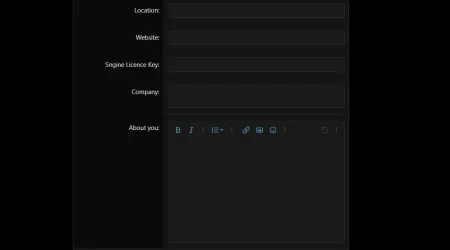
And now will see the information you need in the Account upgrade receipt page

A. To do this, first click on the Account Upgrades button in the top nav bar like so
Now, click on the Account upgrade purchase history, and you will see the information you are looking for
Q. Where can I see my Purchase Receipt
A. This is found in the Account Upgrades in the top nav bar aswell
Now, click on the Account Upgrade Receipt; however, before you can see the Receipt,s you first need to put your name or company name in your account details page first
And now will see the information you need in the Account upgrade receipt page